Getting started with KonnecTo
Navigate to KonnecTo App
Fill in the workspace URL to your liking, make sure it is available and not in use by somebody else
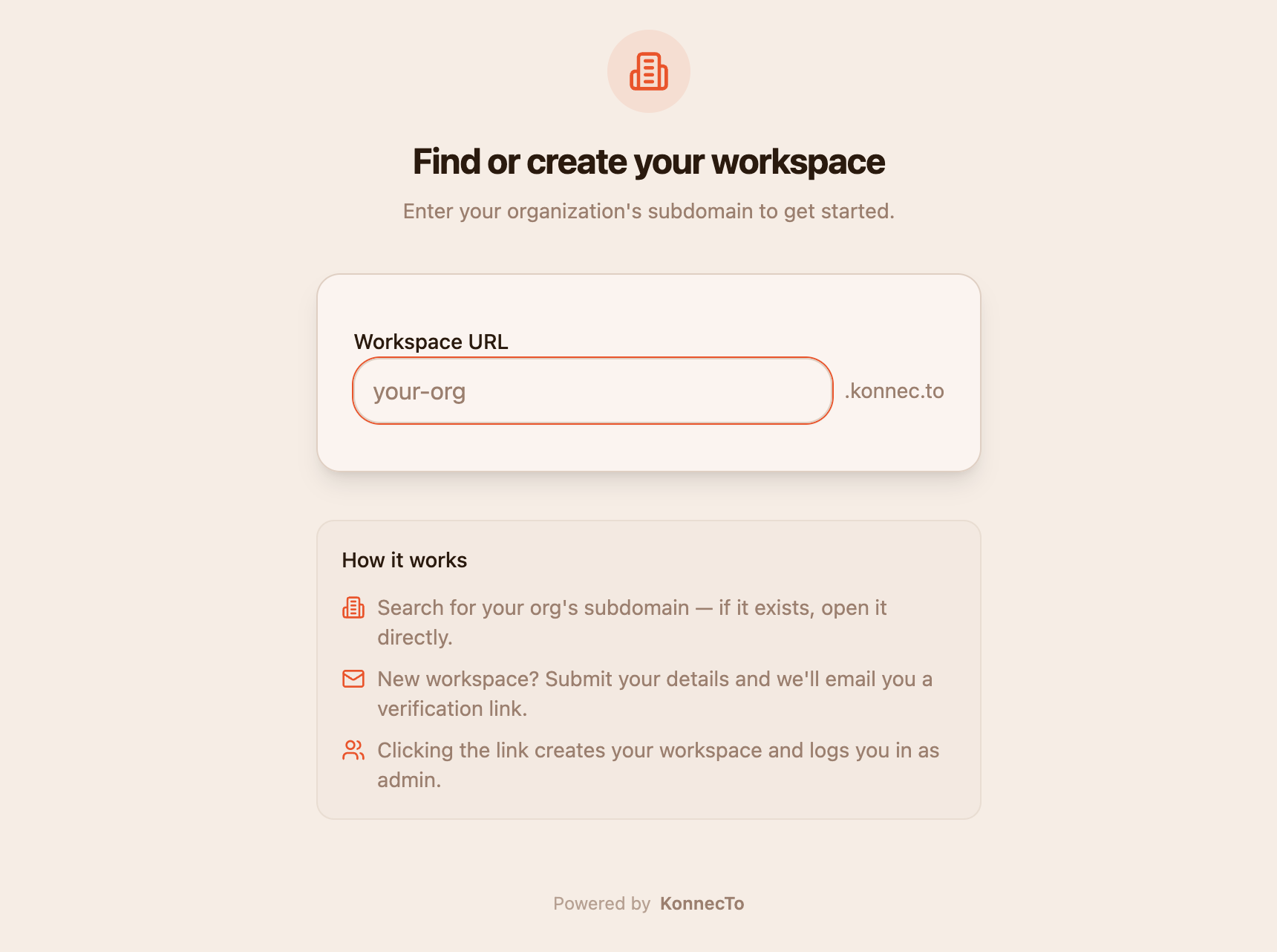
As soon as you choose the address you like, you will be asked for basic details for account setup. Once you are done with those, a verification mail is sent to your email address.
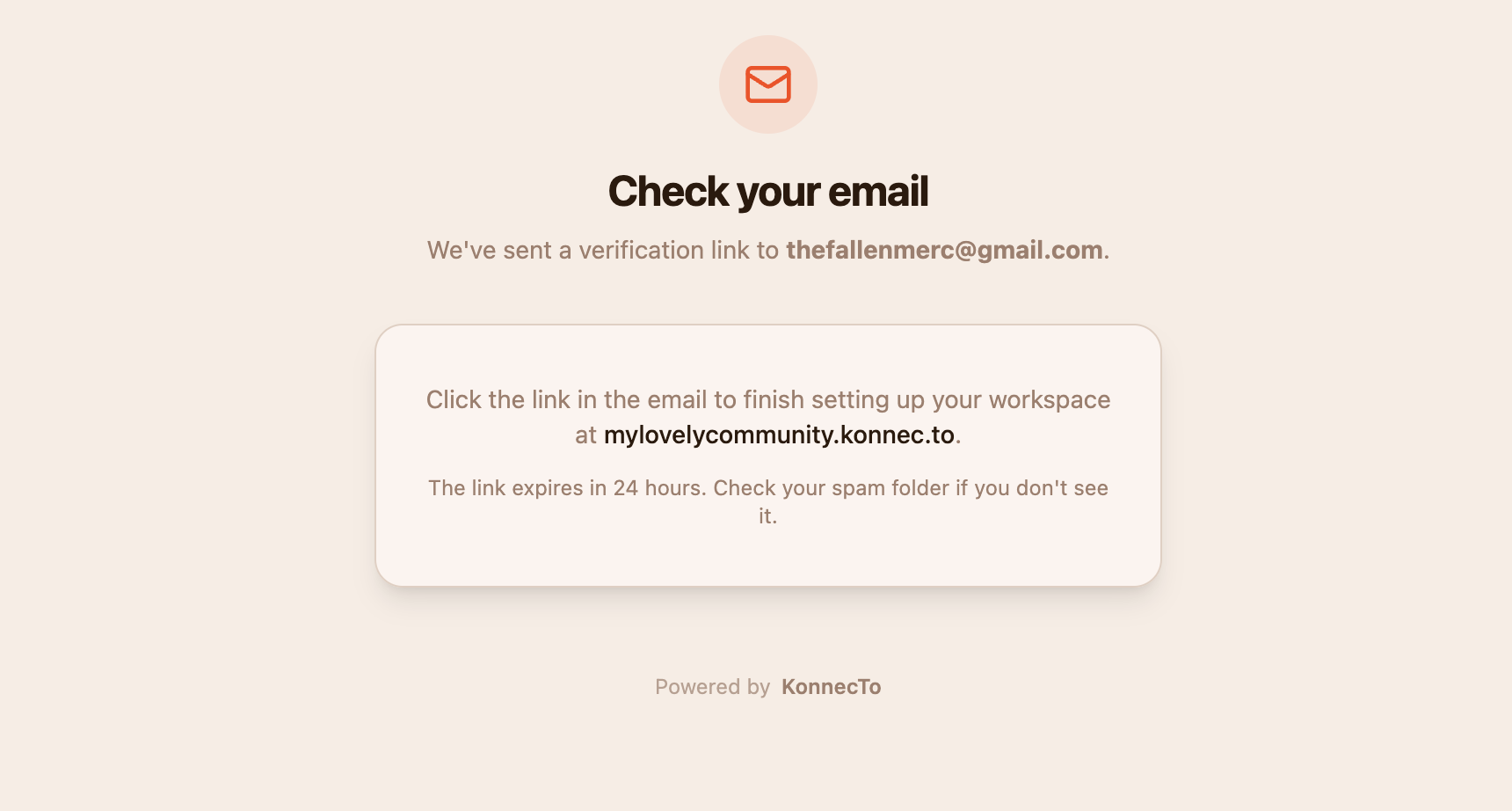
This mail contains a magic link that will
- auto generate your organization
- setup your customized subdomain
- create some default channels
- log you in as admin
And that's it. Congratulations! you have your own organization platform setup on your very personal web address.
Next steps
- Update branding.
- Customize user experience.
- Invite Members.
- Start creating content.
If you need help rolling out to a large team, reach out from the enterprise page.